

Scale-O-Mat
Scale-O-Mat 4 is a M4L Scale Device for Ableton Live, where you can change a scale over your whole Live Project and do some more little Tricks ;-)
Scale-O-Mat 4 is a customized Version according to an idea from Tyondai Braxton

You can add this item to the basket. Please be sure you have no popup blockers in your browser.
After checkout you can download your Device inside the User Area by resetting your password.
what is Scale-O-Mat?
Scale-O-Mat 4 is great for composing music and for playing live, to change the scale and the rootnote on the fly and always stay in the same scale. No matter what style you’re playing, from soundtracks, orchestral works, EDM, drum & bass or rock music - Scale-O-Mat is a great helper to play always the right notes.
It’s is the perfect companion for beginners and also for professional musicians. If you want to experiment with musical scales or even to keep the Scales of your whole Liveset under control. Create up to four independent Groups of Scales or Chords or even Notes to manipulate random sequences and bring them to new musical harmonies.
features
- Scale-O-Mat 4 comes with 2 Devices - the Scale-O-Mat Device itself and the InstaScale Device
- Assign up to 4 different Groups with various Scales
- More than 40 Scales
- All Scales from Push 1 + 2.
- Scale Collection from Tobi Hunke.
- Filter or Pitch the Notes that are not fitting into the Scale
- Transpose
- Presets & Preset Management
- MPE Support
System Requirements
Ableton Live Suite 10 + 11 with Max for Live 8.2 / Ableton Live Standart with an Max for Live License.
To install Max for Live Devices please read the FAQ
check out out other Max for Live Devices
-
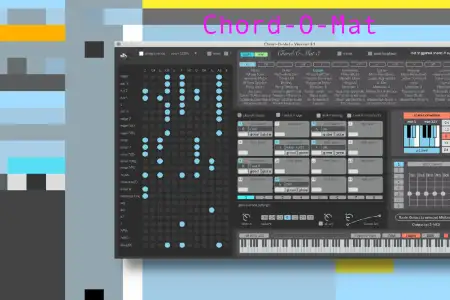
Chord-O-Mat
Chord-O-Mat 3 is a max for live chord library and trigger device for ableton live. it’s designed to have …
-
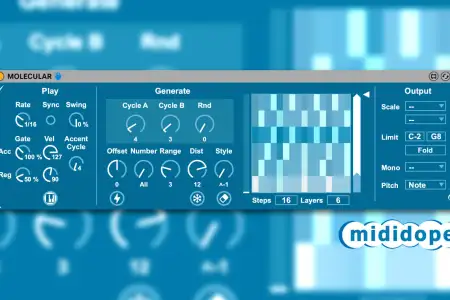
Molecular
MOLECULAR is much more than a normal arpeggiator – it’s an ingenious hybrid between a molecular music box, a …
-
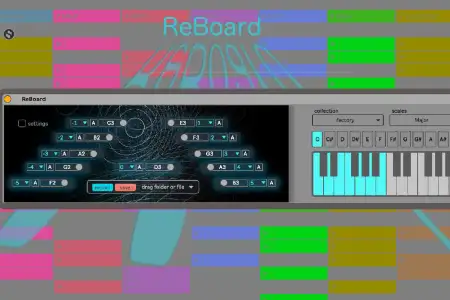
ReBoard
“Making the simple complicated is commonplace; making the complicated simple, awesomely simple — that’s …
-
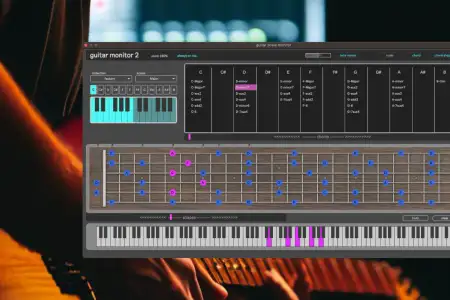
Guitar Monitor
Guitar Monitor is a Max for Live Device, where you can display the scales and chords on a Guitar Fretboard. …
-
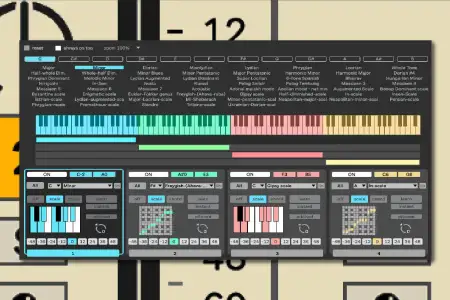
Scale-O-Mat
Scale-O-Mat 4 is a M4L Scale Device for Ableton Live, where you can change a scale over your whole Live …
-

Modular Sequencer
Modular Sequencer is a fully patchable sequencer where you are able to connect every module to the other. …
-
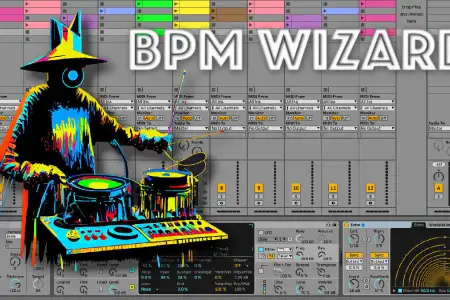
Bpm Wizard
With BPM Wizard you can set a Reference Tempo and up to four subdivisions of the Reference to Automate …
-
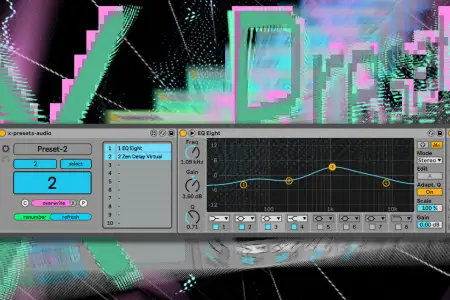
X-Presets
A small Max for Live Device with Endless possibilities. X-Presets is a Collection of Max for Live Devices …
-
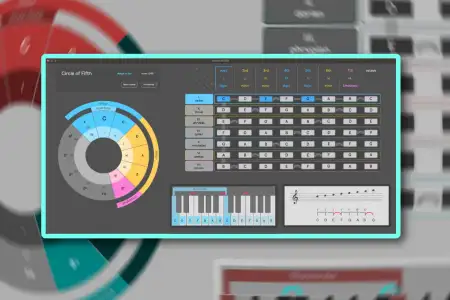
Circle of Fifth
The Circle of Fifths is a fundamental concept in music theory that provides a visual representation of the …
-
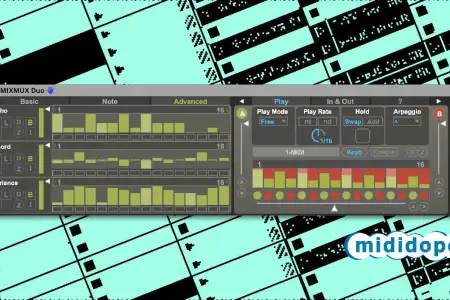
MIXMUX Duo
MIXMUX Duo by Mididope is an agile dual sequencer which rhythmizes the notes of incoming MIDI chords with …
-
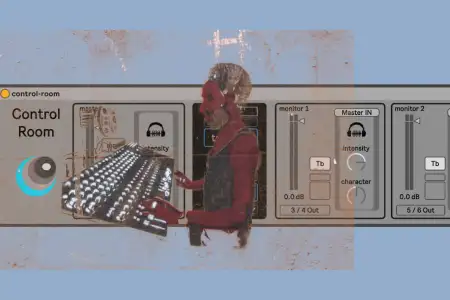
Control Room
Control Room is a comprehensive Max for Live Device which enables you to separate the studio space into …
-
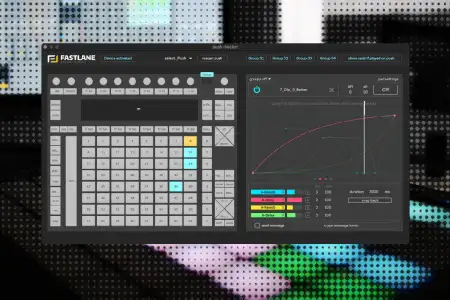
Push Hacker
Customize your Ableton Push Controller: Fastlane & Soundmanufacture teamed up to design a Max for Live …
-
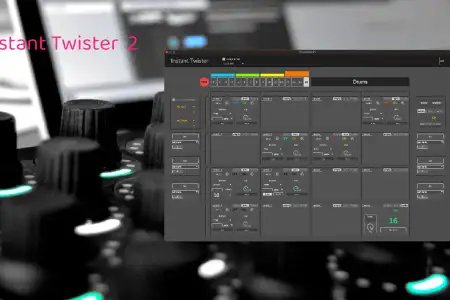
Instant Twister
control Ableton Live with the Midifighter Twister. Instant Twister is a Max for Live Device, where you can …
-
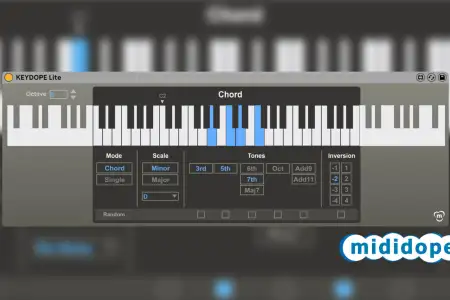
Keydope
KEYDOPE Lite by Mididope plays and varies chords based on single incoming MIDI notes, optionally corrected by …
-

Ghostwriter
GHOSTWRITER generates additional ghost notes for more rhythmic sophistication.
-
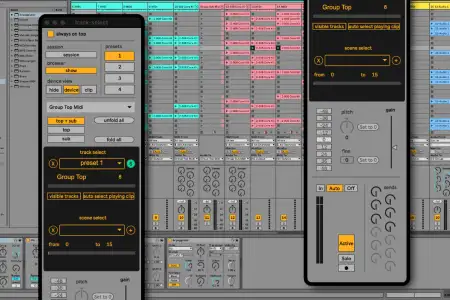
Track Select
Track Select 4 is a Utility Device to control and organise your Ableton Live Set. You are able to select …
-
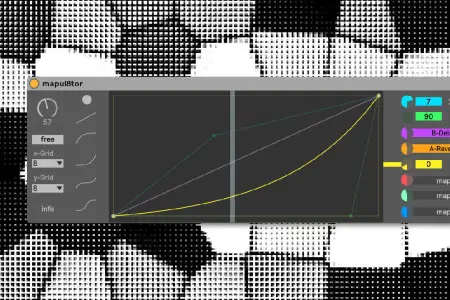
Mapul8tor
Mapu8tor allows you to graphically define the courses of 8 different parameters over the length of one …